Is this a scam? Check a text, email, link or QR code
Paste the message, link or QR code and get a plain read on the warning signs before you tap, reply or pay.
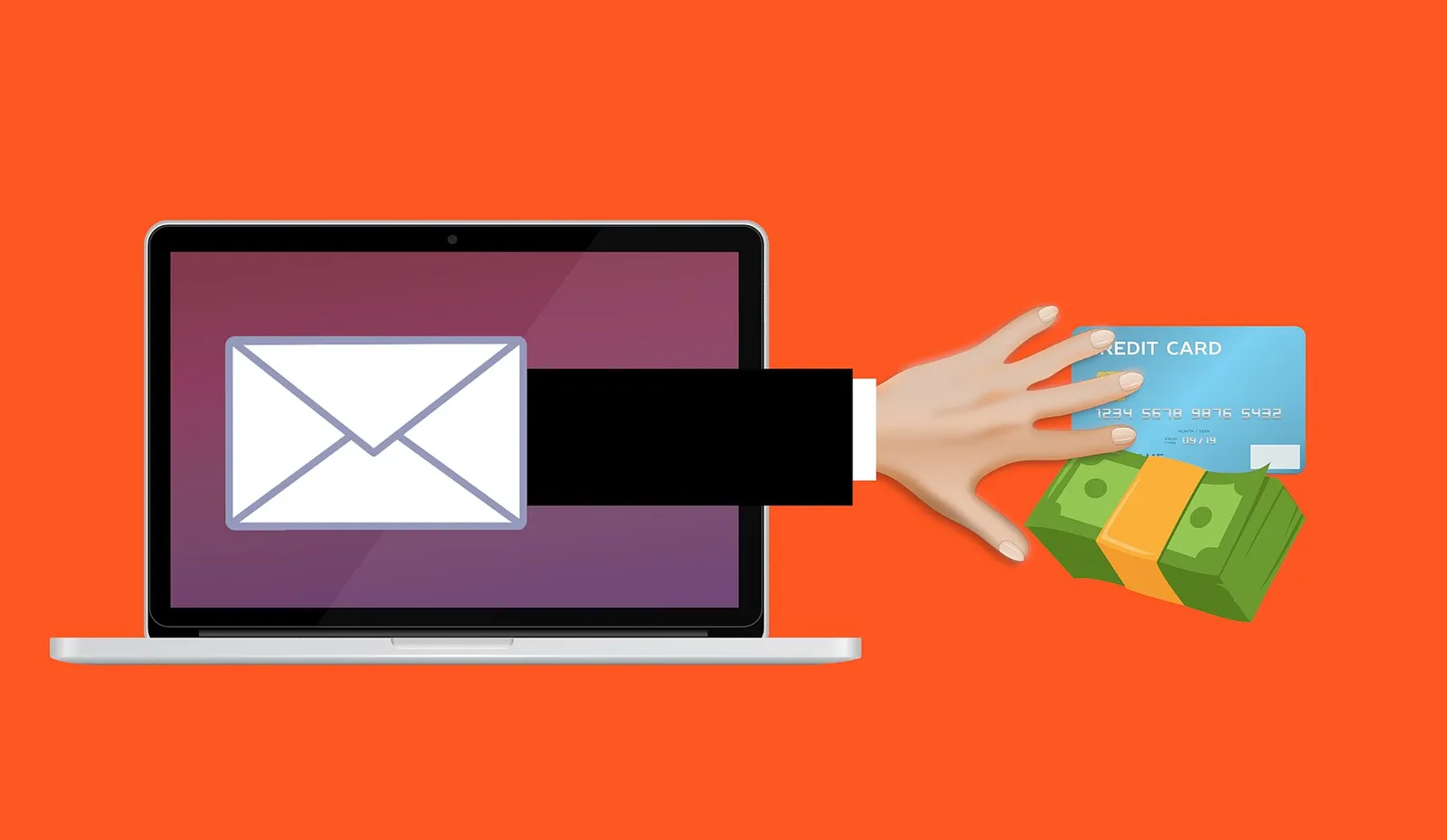
A checker helps you judge. It cannot promise a message is safe.
Scammers copy real brands well, so a clean result lowers the worry without removing it.
A good scam copies a real brand. The logo looks right, the wording sounds official, and the link is one letter off the real address.
These checkers read a message for the common warning signs. The scam message checker looks at pressure wording and the sender. The phishing link checker reads where a link really goes. The QR code checker shows the address behind a code.
What they cannot do is confirm a message is genuine. When money, passwords or codes are involved, verify through a channel you already trust before you act.
Four scam checkers
Which tool to use, and when
Each one reads a different part of a suspicious message. Pick the one that matches what you received.
Scam message checker
Paste a text or email and it flags pressure wording, odd sender details and risky links. Use it when a message pushes you to act fast, pay a fee or confirm your details.
Phishing link checker
Paste a link before you open it and it reads the address for look-alike domains and redirects. Use it when a message wants you to sign in, reset a password or pay.
QR code checker
It shows where a QR code really leads before you open it. Use it for parking signs, cafe menus, parcel notices and stickers that may have been covered over.
Voice scam checker
Talk through a call you received and see the common voice and cloning tricks, with what to verify. Use it after a call that asks for money, one-time codes or remote access.
How to check if this is a scam before you act
A few steps, in order, before you tap a link or send anything.
Stop before you tap
Do not click, reply, pay or scan yet. A scam works by rushing you, so slowing down is the safest first move.
Check the sender and the wording
Paste the text or email into the scam message checker. Watch for threats, deadlines, prizes and requests to confirm personal details.
Check the link or QR code
Paste the link into the phishing link checker, or check where a QR code leads, before you open it.
Verify through a channel you trust
Contact the company using a number or app you looked up yourself, not one in the message. Never read out a one-time code.
If it is a scam, report it
Report it to a scam reporting service, then log it in the Incident Desk so you have the details if you need them later.
Common questions about checking a scam
Frequently Asked Questions
- Can a scam checker tell me a message is safe?
- No. It points out warning signs and reads where links and QR codes lead, but it cannot confirm a message is genuine. Treat a clean result as lower risk, not proof, and verify through a channel you already trust.
- What is a QR code scam?
- A QR code scam hides a fake web address inside a code, often on a sticker placed over a real one at a parking meter, on a menu or on a parcel notice. The QR code checker shows the real address before you open it, so you can judge it first.
- Is the phishing link checker safe to use?
- Yes, because you paste the link into the checker instead of opening it. It reads the address for look-alike domains and redirects. Do not open the link in your browser first.
- I already clicked the link or gave details. What now?
- Change the password on any account you logged into, turn on multi-factor sign-in, and contact your bank if you shared card or payment details. Check your email for breaches, then record what happened in the Incident Desk and report it.
- Is this really free, and how is the site funded?
- The scam checkers are free and need no account. Some outbound links elsewhere on the site are affiliate links, and these are always disclosed. We never ask for a password.
Where to next
Breach Check
See if your email appears in publicly known data breaches, understand what each one exposed, and learn how your address is masked and hashed.
After a Breach
A clear recovery plan after a data breach: secure your email, fix reused passwords, turn on multi-factor sign-in and watch for scams.
Breach Watch
Turn on free Breach Watch for your account email. We confirm your inbox, re-check daily and email you only about new publicly known breaches.
Free Tools
Free security and privacy tools for scams, passwords, email security and data removal, with no account needed to try them.
Passwords
Free password strength checker, password generator and passkey readiness check, with plain advice on passphrases and password managers.
Email Security
Check your domain's email security grade and understand SPF, DKIM and DMARC in plain words, plus a header analyser and saved domain history.
Check what is already exposed, then shut the scammers out
Scams often use details from an old breach. See what is out there and take the first fix.
Free to use. No account needed, and we never ask for a password.